Microsoft Dynamics 365 Business Central
Your process was there first.
Business Central came second. We configure it to the way you already work wherever it can be configured, because that costs less and it survives upgrades.
Where it cannot, our engineers build the piece that makes it fit. Nine of those pieces are now live on Microsoft AppSource.
Microsoft AI Cloud Partner Program member · Serving North America
What we actually do
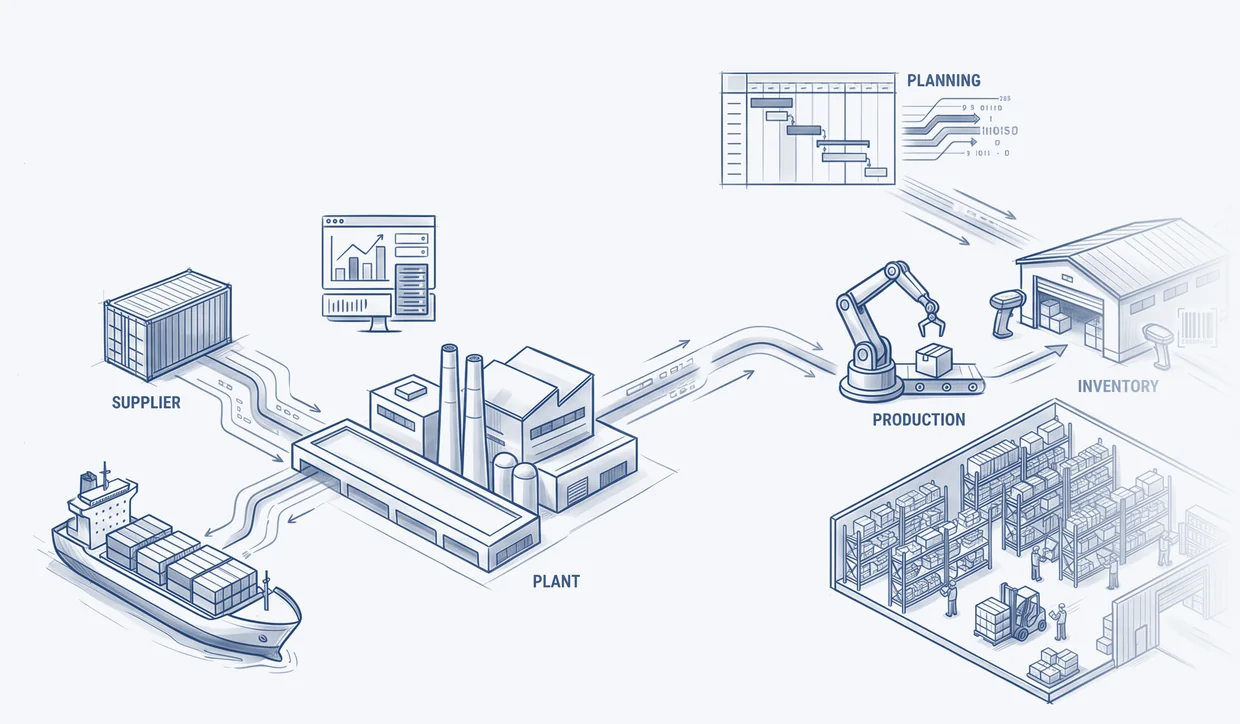
7 places Business Central stops, and what we built for each.
This is the work. Not a promise about it — the actual gaps we kept hitting on client projects, the mechanism in each case, and the app that now closes it. Every one is live on Microsoft AppSource, and every one has documentation you can read before you talk to us.
On the warehouse floor
Business Central holds bins, zones, and directed put-away and pick.
Where it stops
It ships no mobile scanner. The operator works off paper and someone keys it in afterwards, so the count and the ledger drift apart during the shift.
What we built
WarehouseQ posts each scan through Business Central’s own posting engine, so the ledger stays the only record of truth.
WarehouseQ · live on Microsoft AppSource
Does Business Central have a mobile scanner? →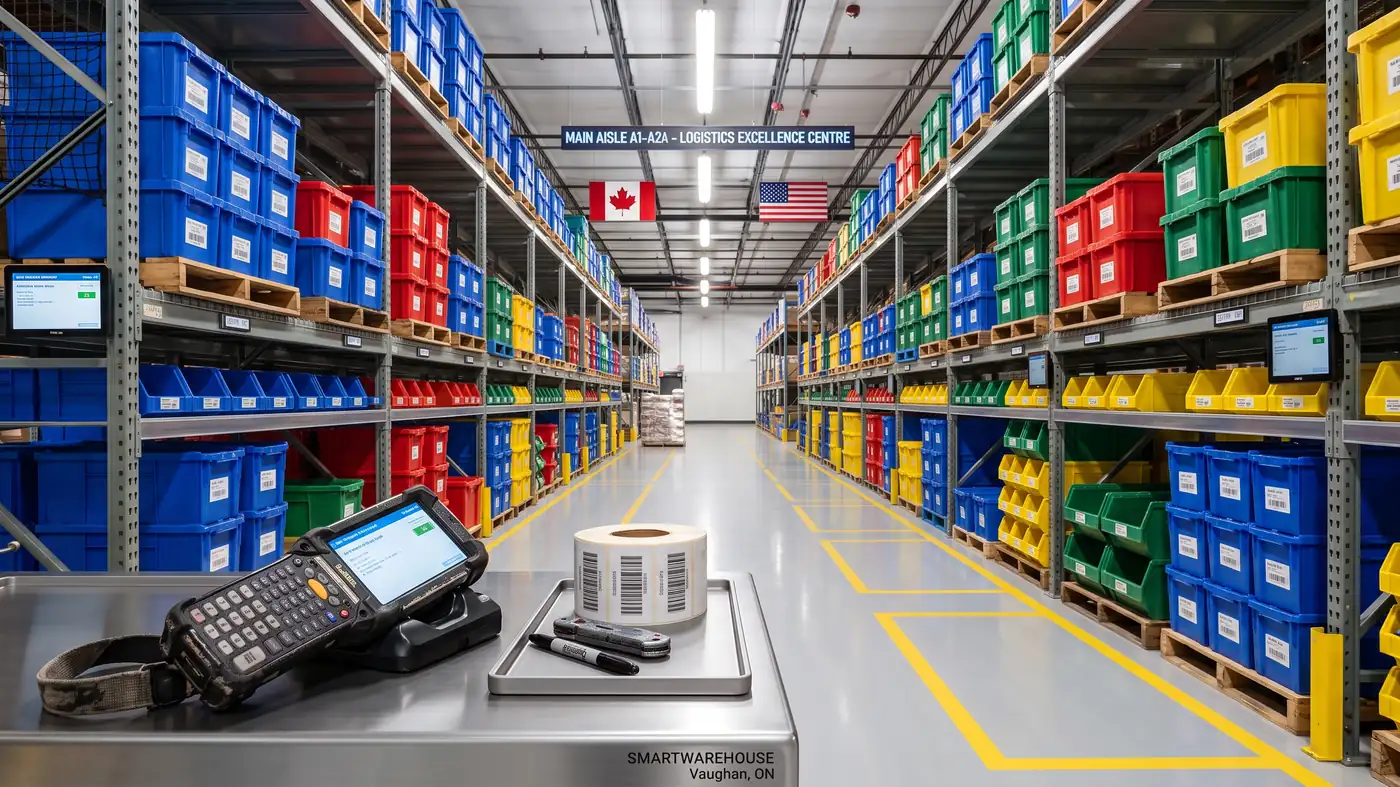
In accounts payable
Business Central captures incoming documents, and it already holds the purchase order and the posted receipt.
Where it stops
It does not reconcile a supplier invoice against those two, line by line. Somebody does that by eye, at volume, on a deadline.
What we built
DocumentQ runs the three-way match and raises a legible exception instead of quietly posting a wrong figure.
DocumentQ · live on Microsoft AppSource
Does Business Central match invoices to purchase orders? →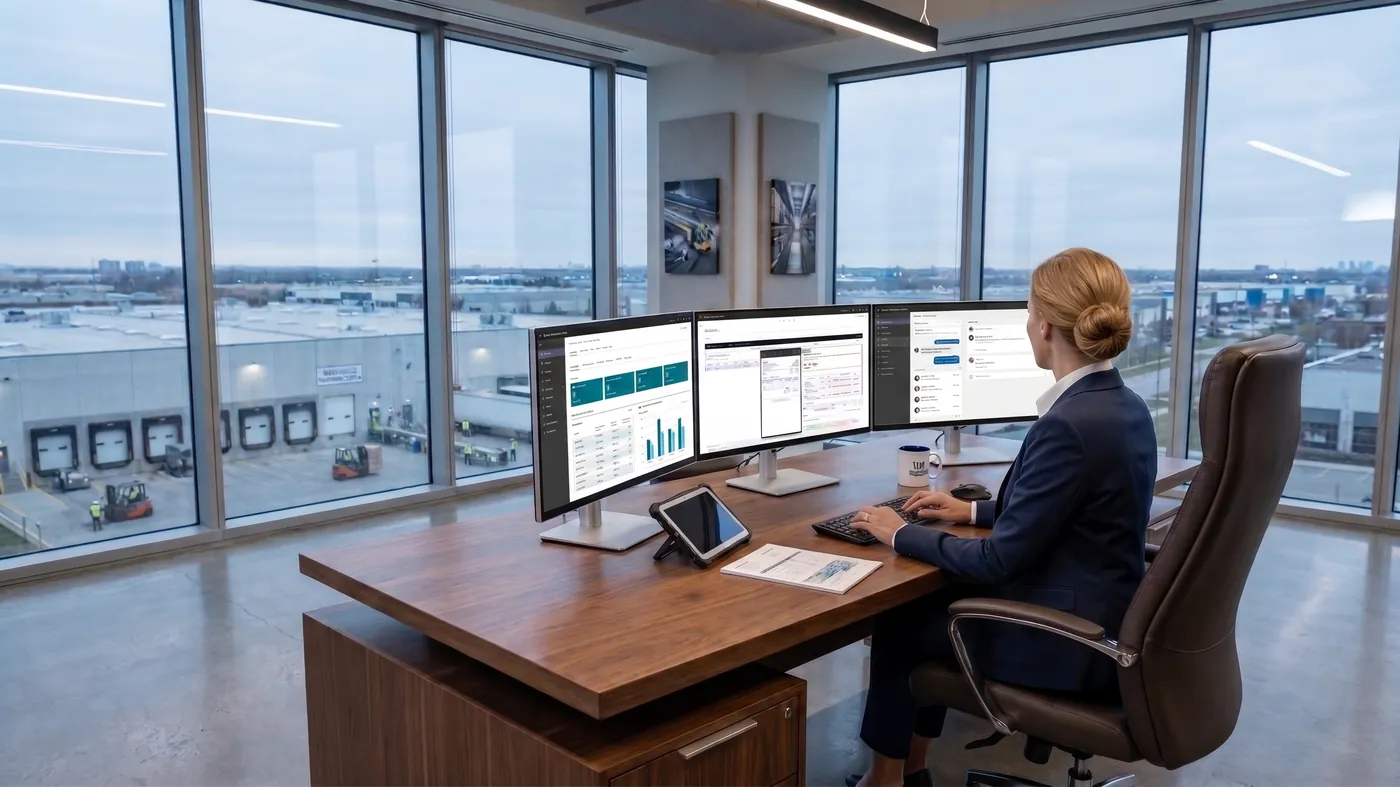
On the production schedule
Business Central plans material and dates well.
Where it stops
It loads capacity infinitely — it will place two jobs on one machine at the same hour without complaint, so the real sequence ends up in a spreadsheet beside it.
What we built
SmartFlow APS sequences a finite schedule and writes it back to standard production orders.
SmartFlow APS · live on Microsoft AppSource
Business Central is infinite-loading: what that means →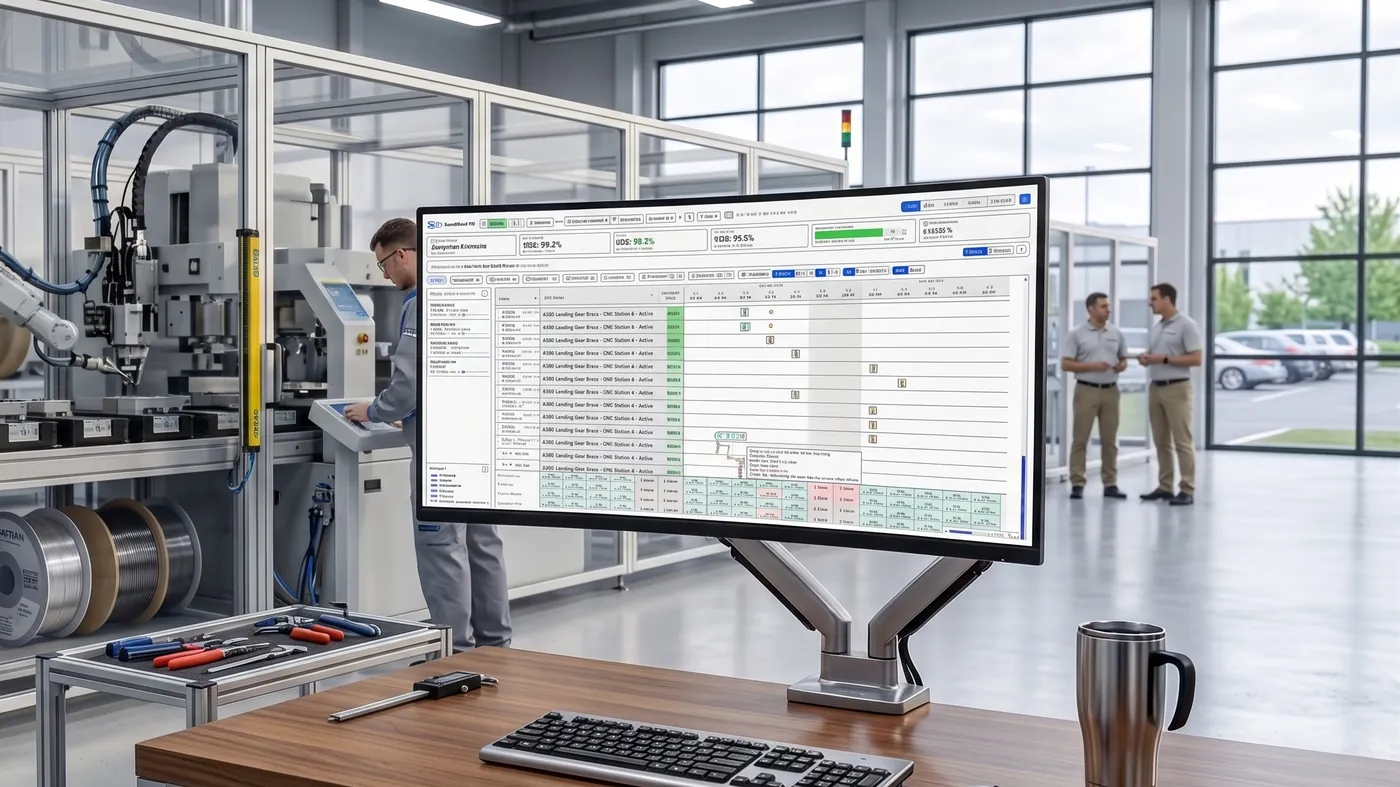
In replenishment
Business Central’s planning engine reads a reorder point and a demand forecast, and nets against them properly.
Where it stops
It has no built-in way to compute either one at the warehouse level, so the numbers it reads are the ones a planner last typed in.
What we built
ForecastQ computes both from your own posted item ledger and writes them into the native fields the planning engine already reads.
ForecastQ · live on Microsoft AppSource
How ForecastQ computes them →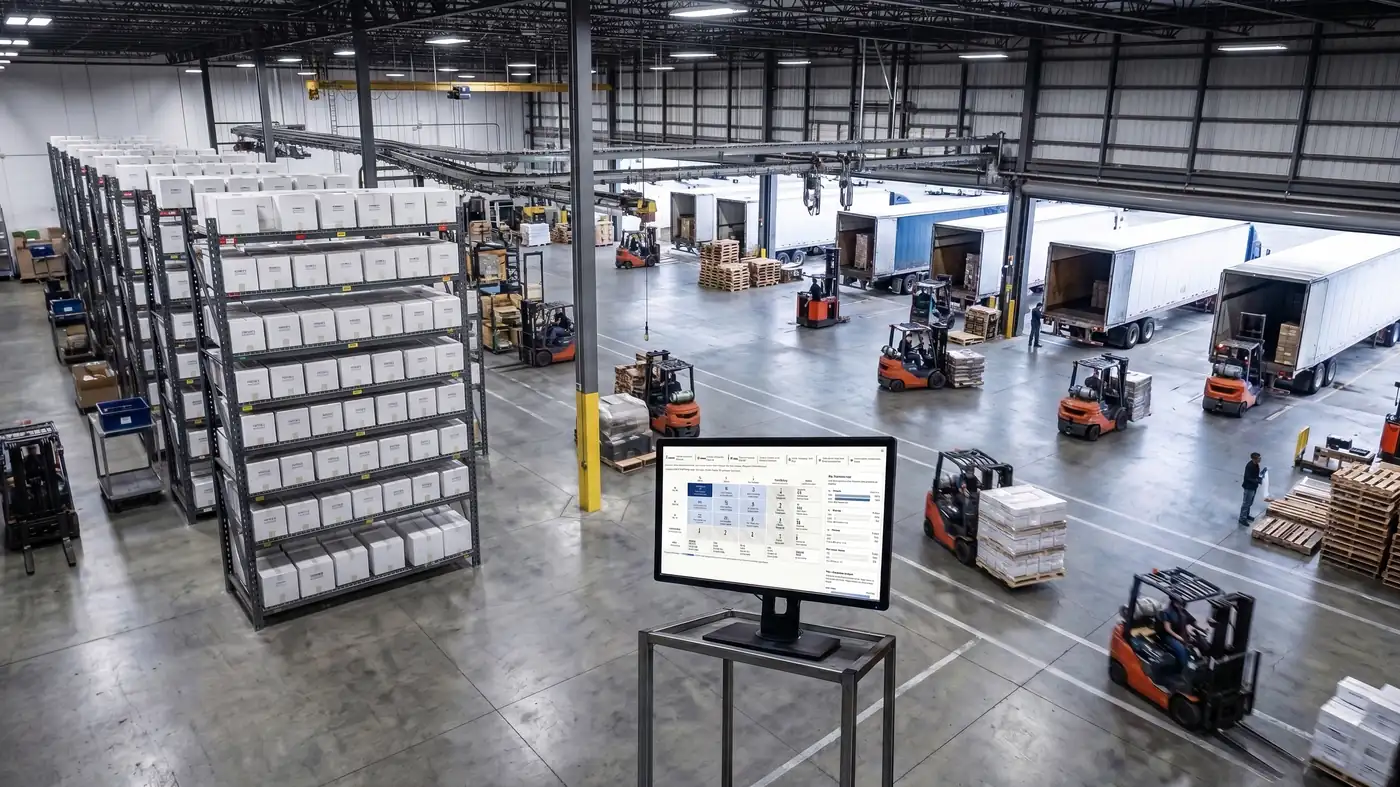
On the dock
Business Central tracks a package number, and it knows what is in a bin.
Where it stops
It has no concept of a licence plate — a pallet you move as one thing. Stock moves line by line, so putting away a mixed pallet means handling every line on it.
What we built
ContainerQ gives the pallet an identity of its own, and builds, splits, merges and moves the whole plate rather than its contents one row at a time.
ContainerQ · live on Microsoft AppSource
Does Business Central have licence plates? →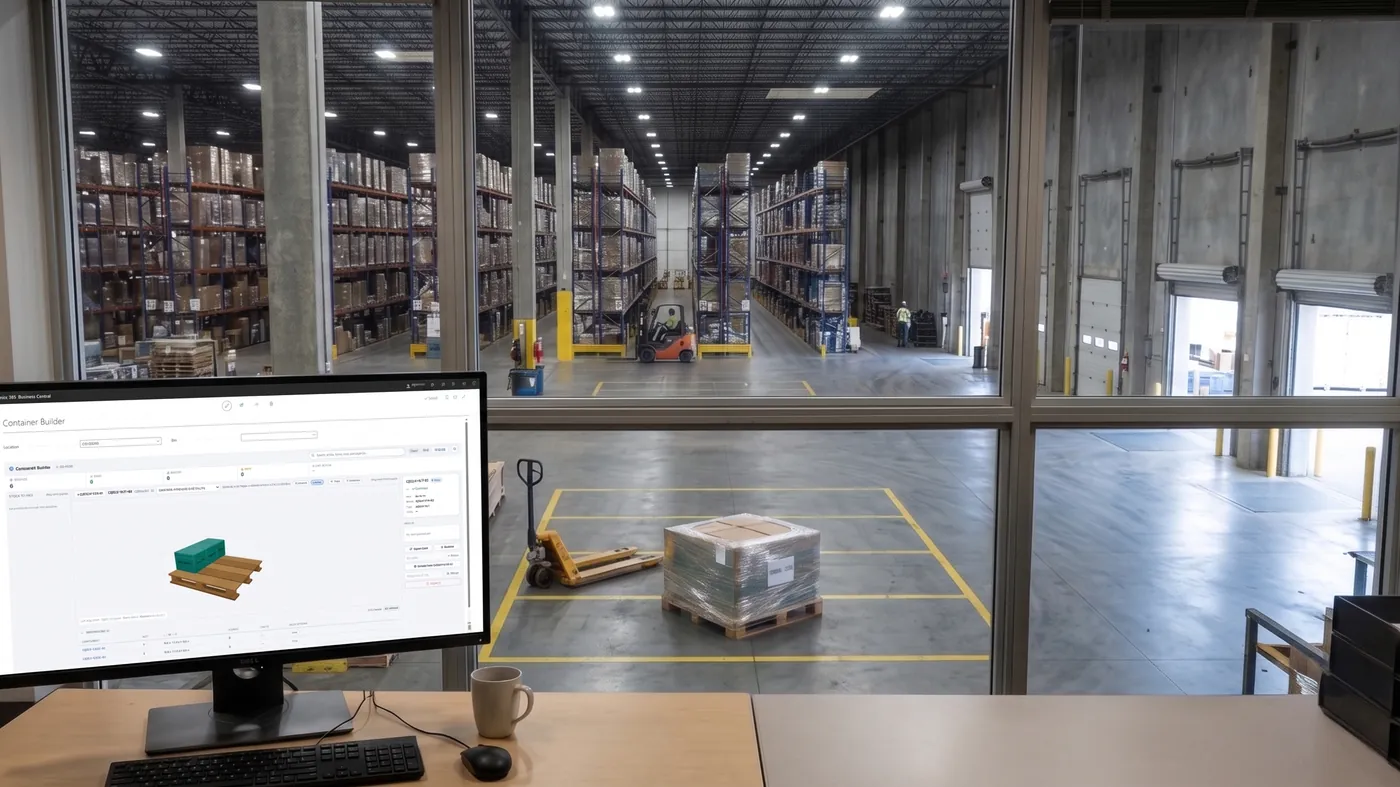
Across the project plan
Business Central Projects holds jobs, tasks, resources, and the costs posted against them.
Where it stops
It shows them as lists. There is no board on which to see two projects competing for the same person in the same week, so the real plan ends up in a separate scheduling tool.
What we built
SmartFlow Projects puts capacity, over-allocation and delivery dates on one visual board over standard Business Central Projects.
SmartFlow Projects · live on Microsoft AppSource
Project and resource scheduling in Business Central →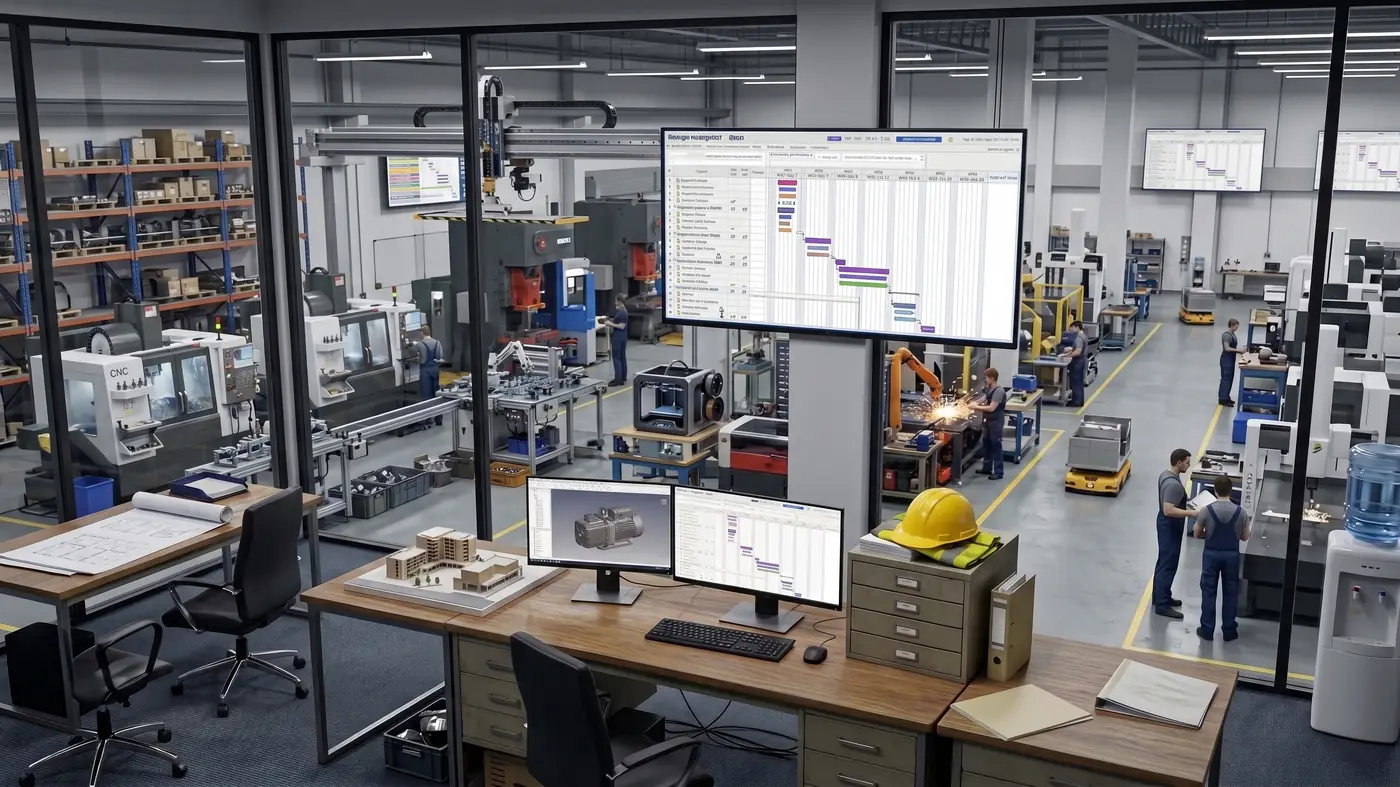
In the teardown bay
Business Central assembles: a bill of material consumes components and produces one finished item.
Where it stops
It does not run that in reverse. Breaking a finished item back into the parts worth keeping, and posting what each is worth, has no native document.
What we built
Disassembly BOM Manager posts the teardown and its by-product yield through Business Central’s own routines, with warehouse picking where the location needs it.
Disassembly BOM Manager · live on Microsoft AppSource
Disassembly and by-product yield →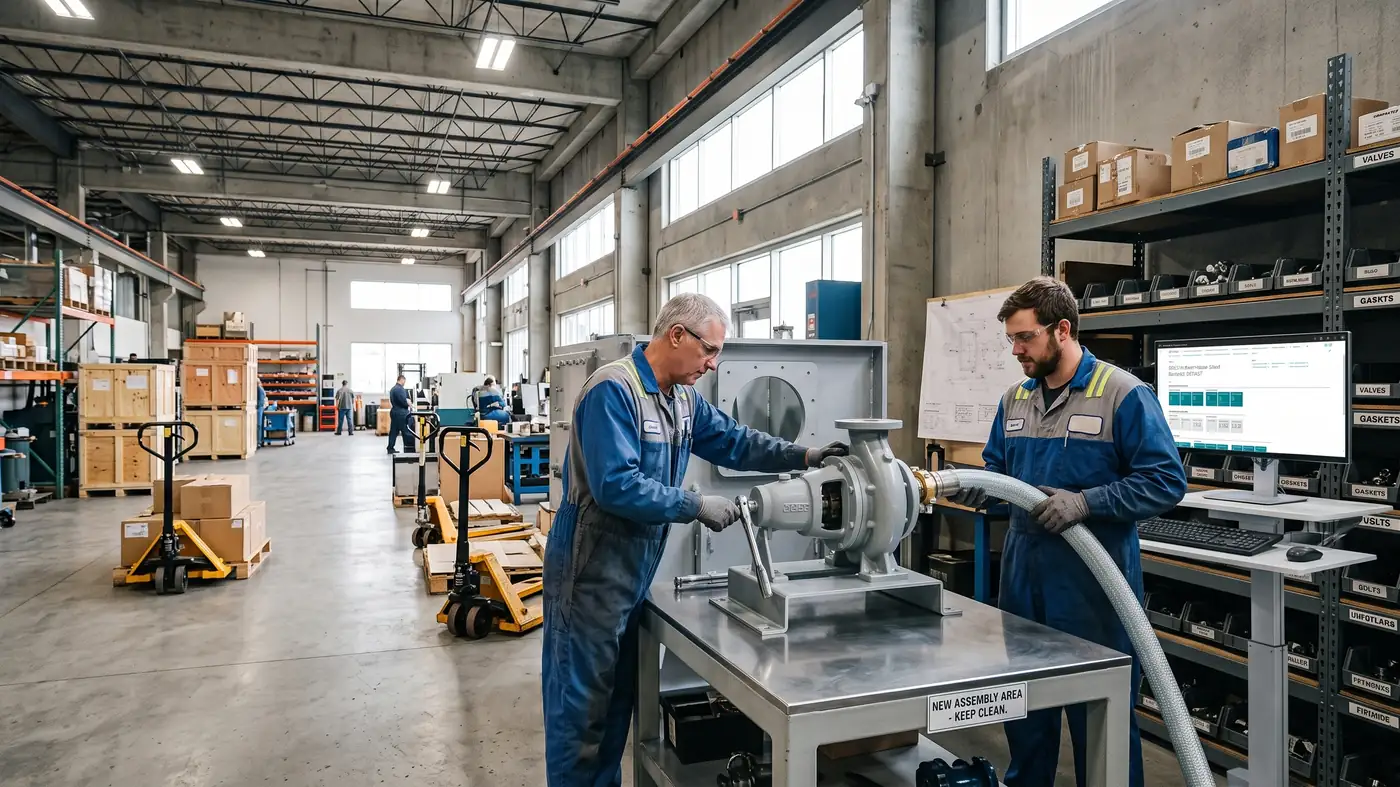
2 more are live on Microsoft AppSource besides these. Each started the same way: a client needed something the standard product did not do.
- Successful implementations
- 50+
- Apps live on Microsoft AppSource
- 9
- Years of ERP experience
- 25+
- Faster deployment
- 40%
01 · Industries
Seven industries, each one deep enough to argue with.
We list a vertical only where we can name its processes in its own vocabulary. Every card below opens onto that list — the sub-models, the named processes, and the places Business Central stops.
- Manufacturing
- Discrete, process and batch
- Multi-level BOM and routing
- MPS and MRP
- Lot and serial tracking
- Construction
- Job costing and WIP
- Retainage, both directions
- Change orders
- Three-way match
- Professional Services
- Project accounting
- Billable utilisation
- Time and expense to invoice
- Revenue recognition
- Transportation & Logistics
- Carrier, shipper and 3PL
- Landed cost
- Warehouse and bins
- EDI
- Supply Chain & Distribution
- Availability and promising
- Landed cost
- Receiving, put-away and pick
- EDI and trading partners
- Food & Beverage
- Lot traceability, one up and down
- Best-before and FEFO
- Yield, shrink and by-product
- The recall drill
- Pharmaceutical & Life Sciences
- Lot genealogy
- Expiry, retest and quarantine
- Serial identity and custody
- Where the platform stops
02 · What we do
The practice is implementation. The proof is on AppSource.
There is no product division and no services division. The engineers are the same people — which is the point.
The practice
-
Implementation
Full Business Central delivery: fit to standard, migration, training, go-live and your first close. Run to a named method.
-
Custom Business Applications
Extensions and integrations built upgrade-safe, to the bar our own marketplace apps have to pass.
-
AI Integration
Document capture, forecasting and assistant workflows inside Business Central — applied where they pay back, not where they demo well.
Delivered by the engineers who build the apps alongside — one team, no handoff.
The proof
- WarehouseQ Receiving, put-away, picking and counting
- SmartFlow APS Production scheduling
- SmartFlow Projects Project and resource scheduling
- ForecastQ Demand forecasting and replenishment
- DocumentQ Supplier invoice processing
- ContainerQ License plating and container handling
- Disassembly BOM Manager Disassembly and by-product yield
- Worksnip Process documentation
- TestoLogics User acceptance testing
Implemented and supported by the people who wrote them. We have no reseller channel — deliberately.
All 9 →03 · How we work
Our delivery method has a name because it does not change from project to project.
Fit to standard first
We start from what Business Central already does well. Most requirements turn out to be configuration, not code — custom work is a last resort, never a first invoice.
Build like it ships
What we do build is engineered like our products: versioned, upgrade-safe, documented — held to the bar a marketplace listing has to pass.
Run it with you
Go-live is a midpoint, not a finish line. We stay through the counts, the close, and the month-end that proves the system in production.
40% faster deployment, measured across our engagements.
04 · The platform
What Business Central is, in plain terms.
Microsoft's ERP for small and mid-sized businesses. One system holding the finances, the stock, the projects and the production, instead of an accounting package with five things bolted beside it.
Finance
General ledger, AR/AP, fixed assets, cash flow, multi-company consolidation and the month-end close.
Supply chain
Purchasing, sales orders, inventory, item tracking by lot and serial, warehousing with bins.
Projects
Jobs, resources, time and expense, work in progress, and billing against a plan.
Manufacturing
Bills of material, routings, production orders, capacity and material planning.
Where it sits
Above small-business accounting, which runs out once you need real inventory, multiple companies or a production floor. Below Dynamics 365 Finance & Operations and SAP, which are built for enterprises with thousands of users, dozens of legal entities and statutory reporting in many countries.
Most mid-sized businesses land in that middle band. It is the whole reason the product exists, and it is where our work is.
And where it stops
It is not the right answer for everyone, and we would rather say so now than three months into a project. Business Central starts to strain against very high user counts, large numbers of legal entities with local statutory filing, wave-and-load warehouse operations, a retail store network, and validated manufacturing.
Between those two poles sits the ordinary case: Business Central fits, with two or three things it does not do. That gap is the job.
04 · Fit check
Is Business Central the right size for you?
Six questions, an honest answer, and no email address. If your operation has outgrown Business Central this will say so and point you at what to look at instead — that is a cheaper way to find out than an implementation.
Start a conversation
Tell us what’s slowing your operation down.
Thirty minutes with an engineer, not a deck. We’ll tell you whether standard Business Central covers it, whether one of our apps does, or what a build would honestly take.
sales@dynamicspro.ca · Serving North America · 416-843-6575
Book a consultation
Tell us about your business and we'll get back to you within one business day.